Claude AI: The Lawyer's Best Friend
Discover why many legal professionals prefer Claude for document-heavy work. Learn Claude's unique strengths in long-document analysis, nuanced reasoning, and structured output generation.
Step 1: Why Claude Stands Out for Legal Work
Claude by Anthropic has several advantages for legal professionals: a massive 200K token context window (roughly 150,000 words — an entire case file), excellent instruction-following for complex multi-step tasks, strong reasoning about nuance and ambiguity (critical in law), less prone to confident hallucinations (more likely to say 'I'm not sure'), and Claude Projects feature for organized workspaces. Many lawyers report that Claude produces more careful, methodical analysis compared to other models.
Step 2: Claude Plans and Features
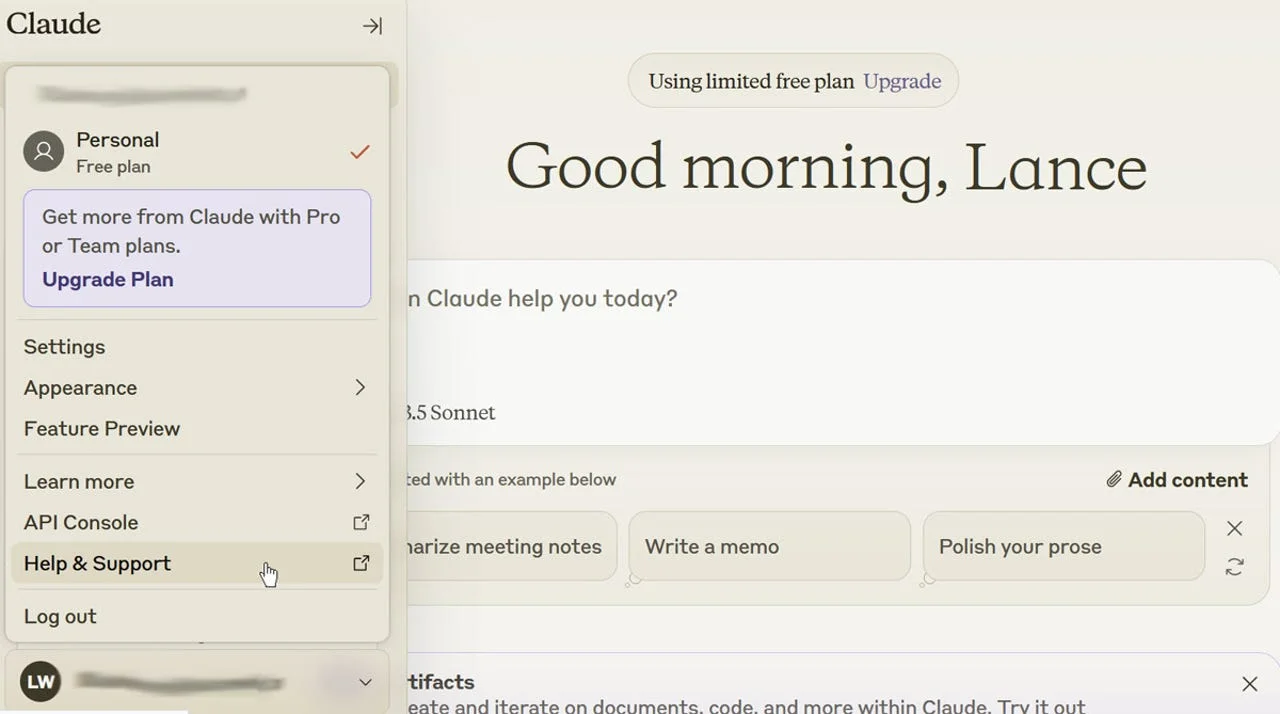
Claude pricing: Free (limited messages with Claude 3.5 Sonnet), Pro ($20/mo — Claude 3.5 Opus, priority access, Projects, more messages), Team ($25/user/mo — collaboration, admin tools, no data training), Enterprise (custom — SSO, advanced security, custom limits). The Pro plan is ideal for solo practitioners. The key feature is Claude Projects — dedicated workspaces where you upload case files, set custom instructions, and have focused conversations that don't mix with other work.
Step 3: Using Claude Projects for Case Management
Create a Project for each major case: Name it clearly ('Smith v. Johnson - MVA 2025'), upload all relevant documents (medical records, police report, witness statements, photos), set Project Instructions ('You are analyzing a rear-end collision case in Texas. The client has a herniated disc at L4-L5. Focus on establishing liability and calculating damages.'), then start conversations within the Project. Claude will reference all uploaded documents automatically. You can have multiple conversations within one Project — one for damages analysis, another for demand letter drafting, etc.
Step 4: Document Analysis Techniques
Claude excels at long-document analysis. Effective techniques: Upload medical records and ask 'Create a chronological treatment timeline with dates, providers, diagnoses, and costs in table format', drop in a contract and request 'Identify all clauses that could be problematic for my client, explain why, and suggest alternative language', compare documents by uploading both and asking 'Compare these two expert reports and highlight every factual disagreement', or analyze deposition transcripts with 'Extract all admissions by the defendant and note the page/line numbers'.
Step 5: Claude Artifacts and Extended Thinking
Two powerful Claude features: Artifacts — when Claude generates substantial content (documents, code, tables), it creates an Artifact you can view, edit, copy, and iterate on separately from the conversation. Perfect for demand letters, motions, and analysis reports. Extended Thinking — for complex reasoning tasks, enable this feature to let Claude 'think through' problems step by step before responding. Use it for settlement value analysis, liability assessment, or multi-factor legal analysis where you need careful reasoning, not quick answers.
Key Takeaways
Related Tools
Video Resources

Comprehensive Claude AI tutorial for beginners covering all essential features and pro techniques.
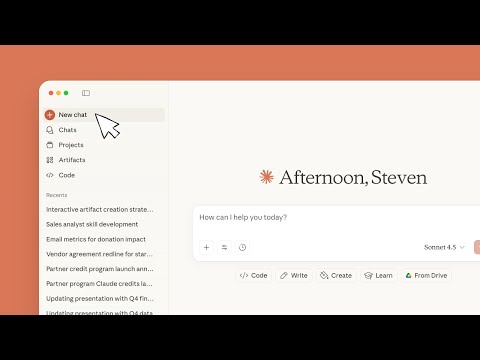
Step-by-step guide for getting started with Claude.ai, covering account setup and practical applications.